Programming a Eltek Flatpack2 2000W Rectifier to a fixed voltage
This info was derived from an existing web thread that was extensive and a bit overwhelming.
Reference thread: https://endless-sphere.com/sphere/threads/ultra-compact-1800w-charger-eltek-programming.71139
In order to do this you need a USB-to-CAN adapter. I purchased one and then a second when the first proved flaky.
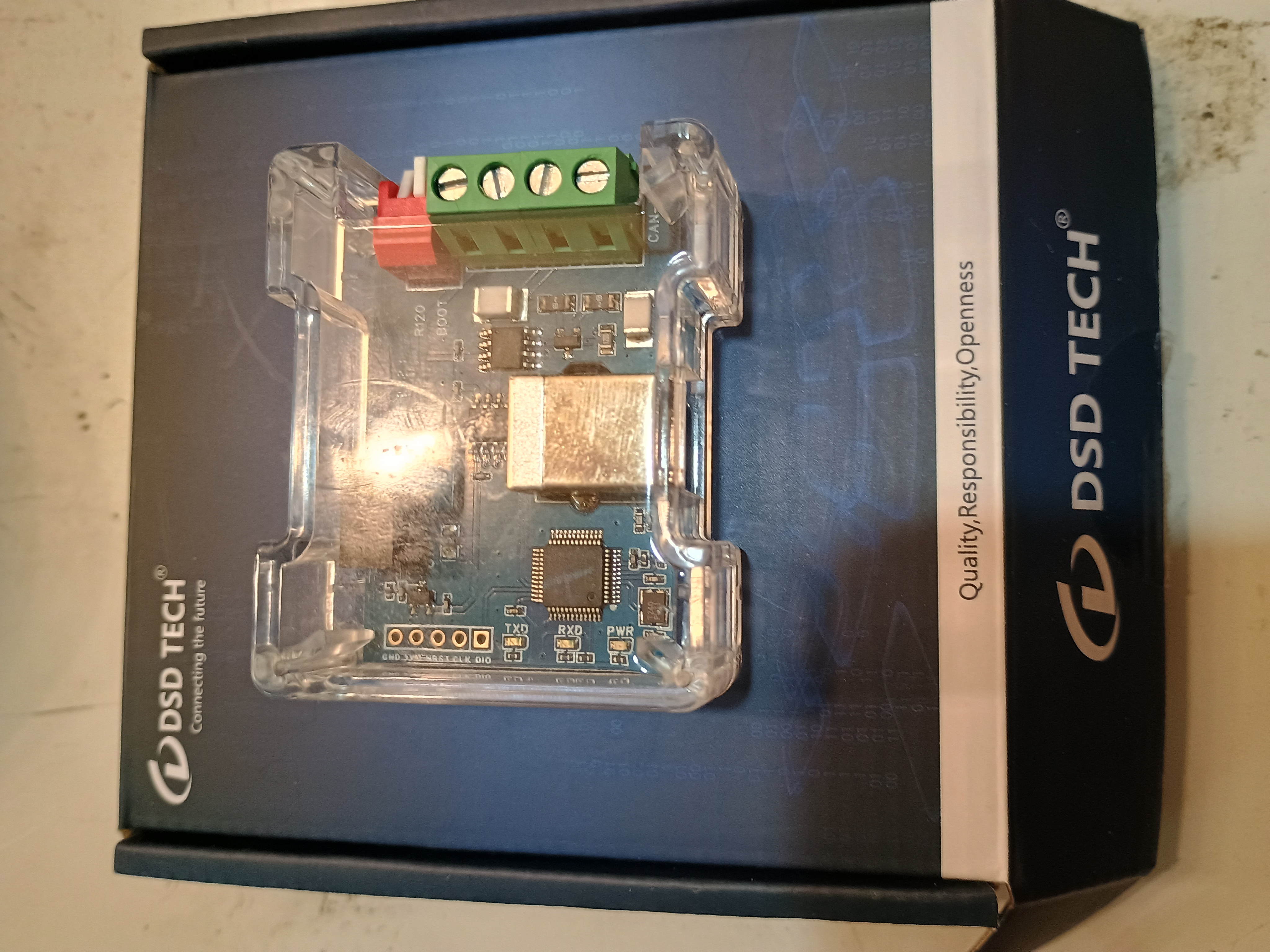
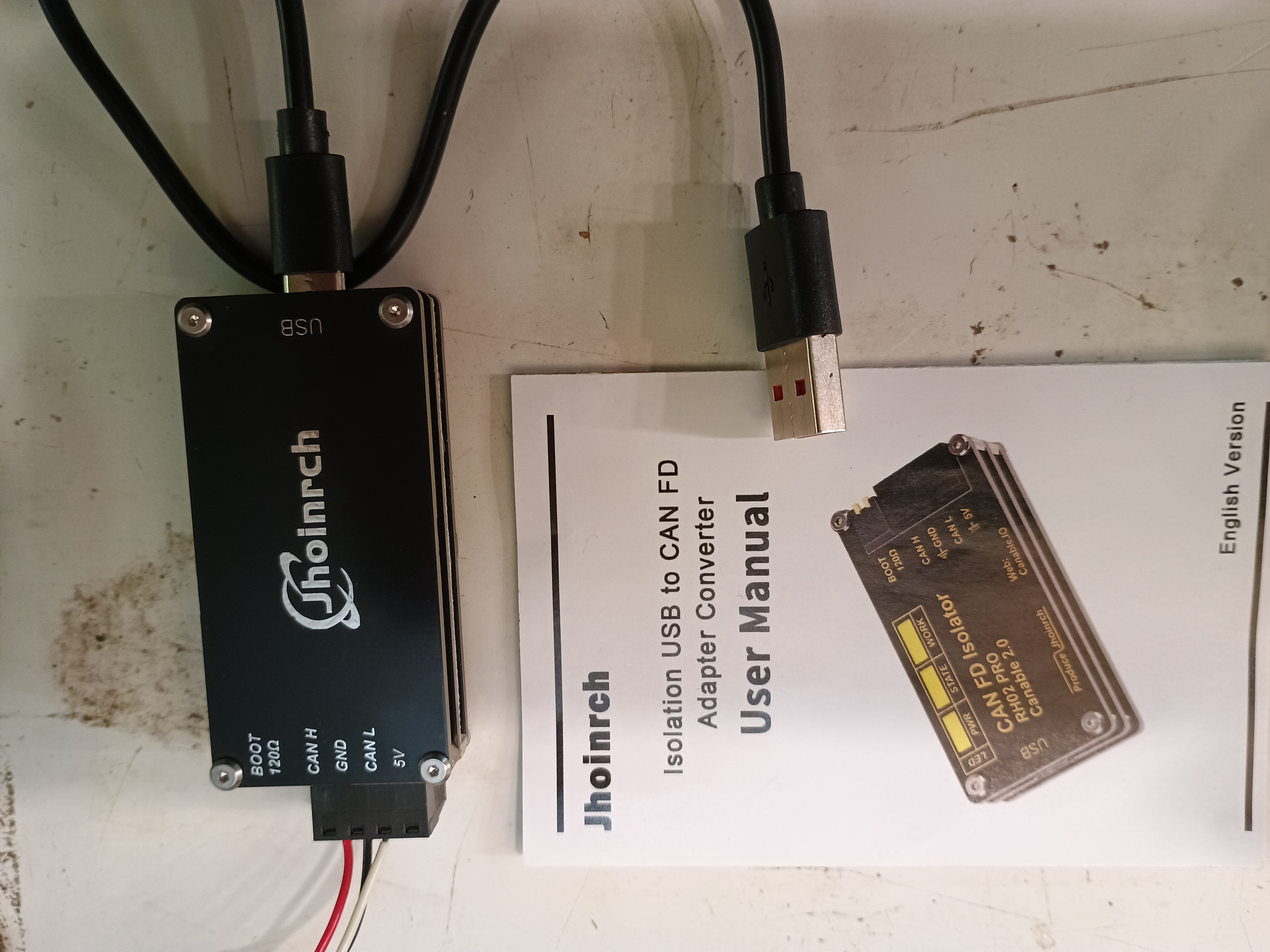
The DSM unit I used is based on the Canable 1.0 spec. I later bought a 2.0 unit after having difficulties with the 1.0 unit. If buying new, get at least a 2.0 spec device.
I used Cangaroo software (https://www.canable.io). With the Slcan firmware set to 125K baud and extended ID you should see messages streaming from the supply.
Look for a received message like this: 0x05__4400
— the data to the right is the serial number of the unit.
The numbers in the __ position is the ID of the unit.
Login
Send: Address: 0500480C DLC 8, 16 46 50 02 71 76 00 00
(The 0C is hex 12 in decimal = ID × 4; the data is the serial number of the rectifier followed by 00 00.)
Permanently change the default voltage
Send: Address: 05039C00 DLC 5, 29 15 00 8A 16
The 03 in the address is the ID of the rectifier.
This sets it to 57.7 volts (value encoded as 5770 decimal → 0x168A, flipped to 8A 16).
After changing the default voltage, power off the rectifier and let it discharge fully, then power it back on to apply the new setting.
Operational note: the rectifier may log out after a timeout on some units; in my experience it remained logged in for minutes.
Use case
I plan to have the inverter signal (via generator start relay) when batteries are low; that relay will power up one or more rectifiers to charge the battery bank.
Images
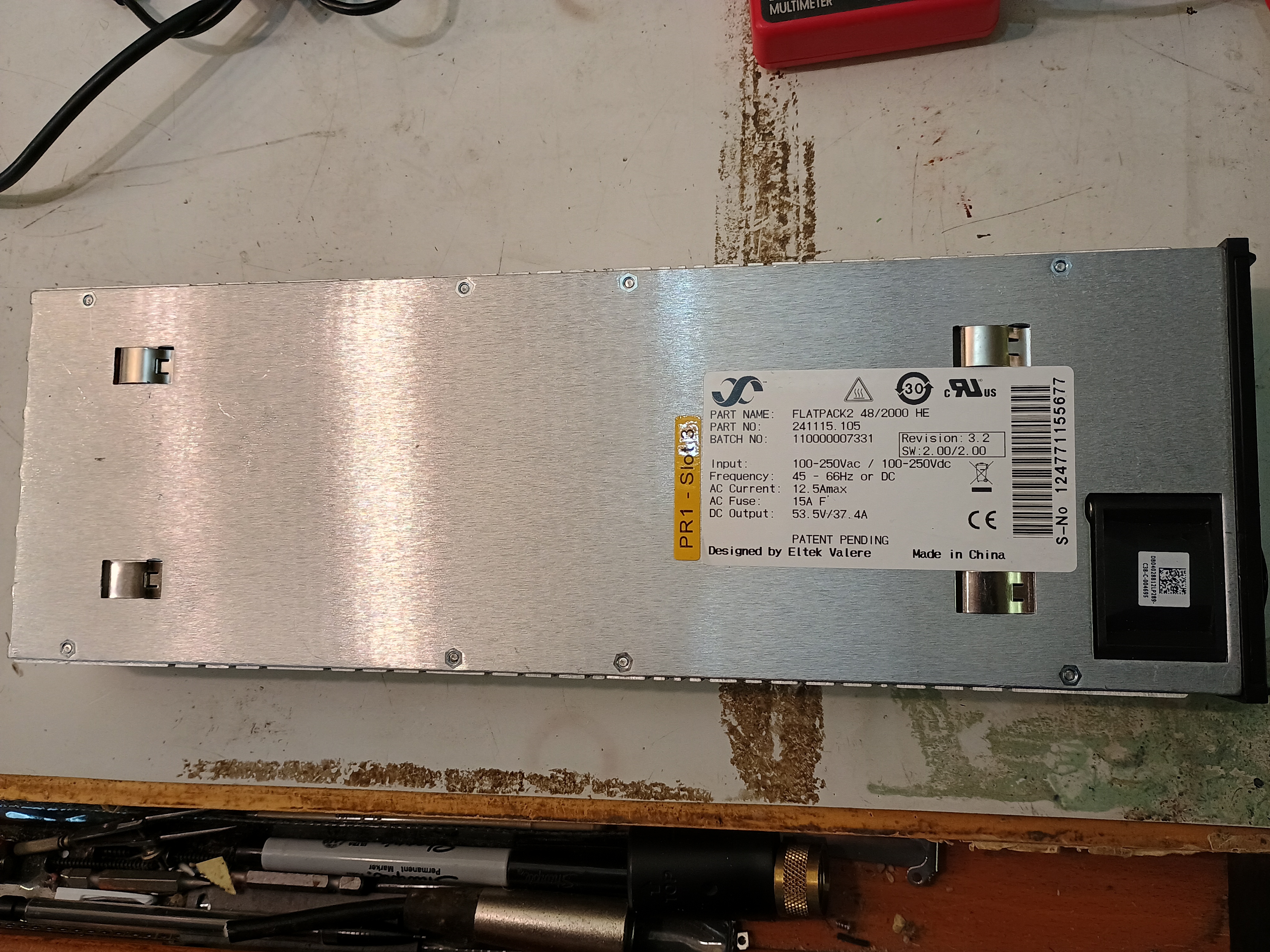
A pict of one of my flatpack2 rectifiers:
This is the Canable 1.0 spec unit I had. It was not entirely reliable.
This is a Canable spec 2.0 adapter and this is the one I used. About $20 off Amazon.
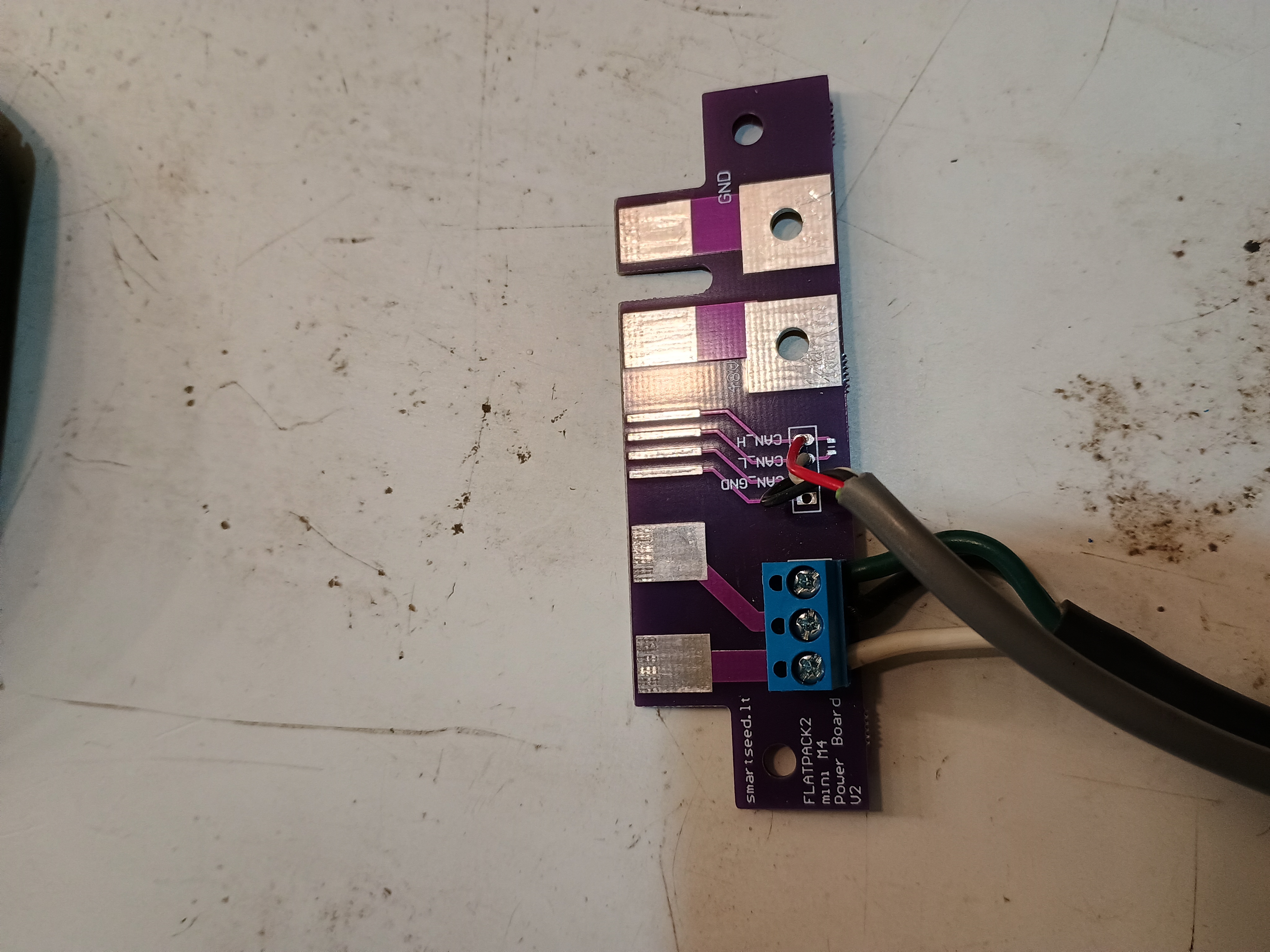
This is the power adapter board I purchased off Ebay from overseas. It works fine, but there are units available in the US now which include screw terminals for about the same price.